Rename a Git branch: A local branch before pushing
Cause: Your working branch name may contain a typo or need to describe the work more clearly.
Fix: Rename the current local branch that has not yet been pushed to a remote, then check its name and latest commit.
git branch -m feature/authIf a local branch with the same name already exists, stop and choose a different name.
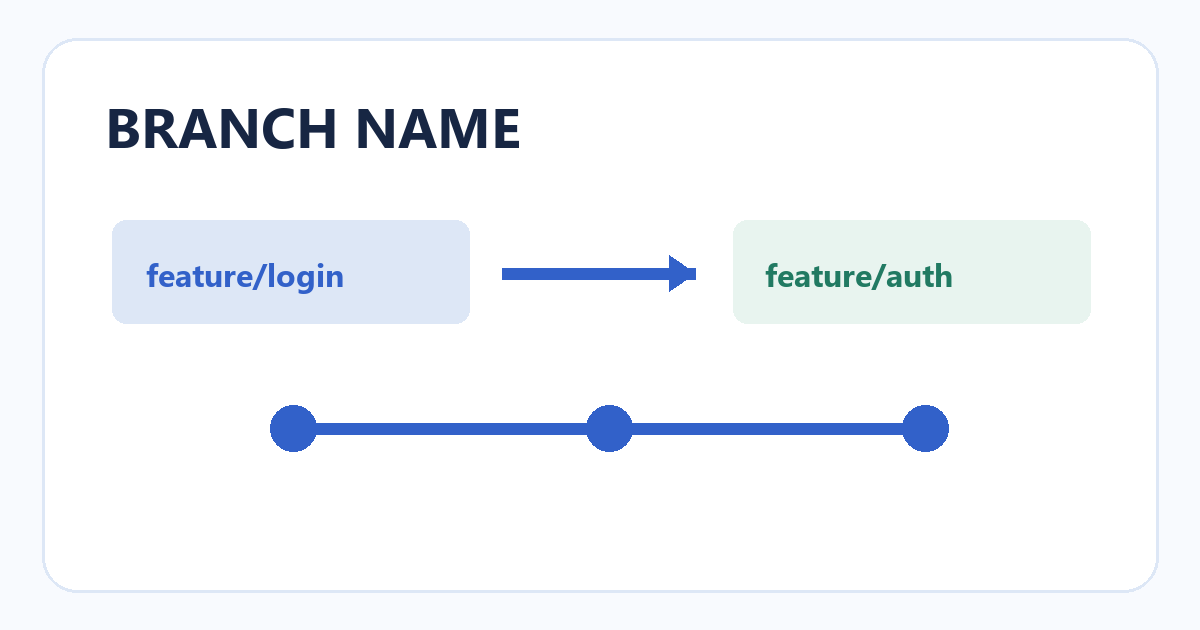
These screenshots show the actual commands and results. Select an image to open it at full size. On small screens, scroll sideways inside a wide image.
1. Check the current branch and commit
Proceed only on a local branch that has not yet been pushed to a remote. Use the commands below to check its name and latest commit before renaming it.
git branch --show-current
git log --oneline -1
The current name in this example is feature/login. The commit hash lets you check that the renamed branch still points to the same work. If the current branch name is blank, check for a detached HEAD state first.
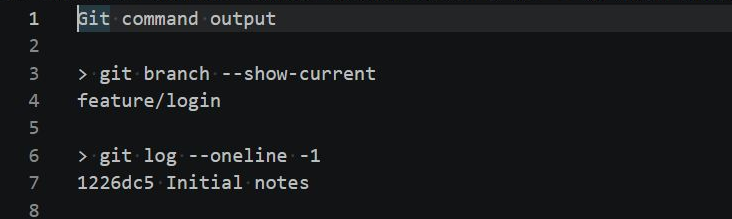
Expected resultThe current branch, feature/login, and its latest commit appear.
2. Rename the current local branch
Check that the new name does not match an existing local branch, then run the commands below.
git branch -m feature/auth
git branch --show-current
The current branch name changes to feature/auth. -m also moves the branch's associated configuration and reflog. If a branch with the same name already exists, stop and choose a different name. Do not use -M to force an overwrite for this task.
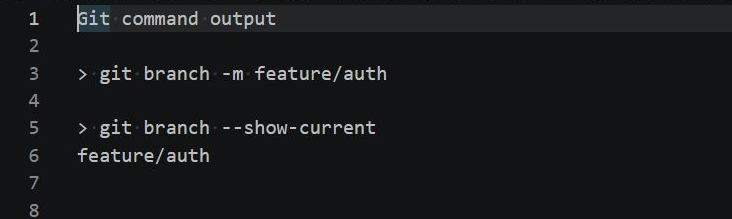
Expected resultThe current branch name appears as feature/auth.
3. Check the name and working state again
Use the commands below to check the current branch and compare the commit.
git branch
git log --oneline -1
git status --short --branch
* feature/auth marks the current branch, and the latest commit hash is unchanged. The status line also shows ## feature/auth. Renaming a local branch does not rename a remote branch. For a branch that has already been shared or has an upstream configured, check the remote and tracking settings separately.
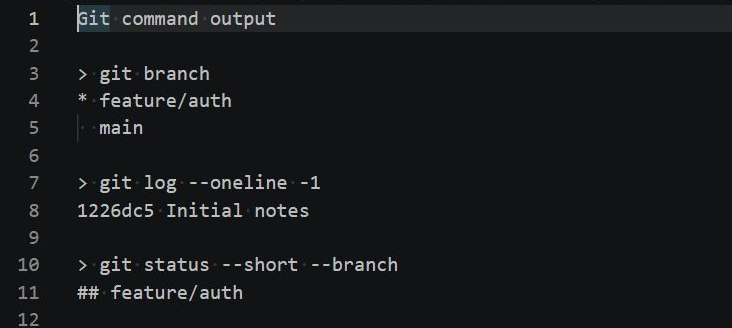
Expected resultThe new branch name appears, and the latest commit is unchanged.
References
Another Git problem?
Keep detached HEAD work by creating a Git branch →
Fetch a remote branch to fix Git's invalid reference error →